
How to Protect Photographs and Digital Storage During a House Clearance
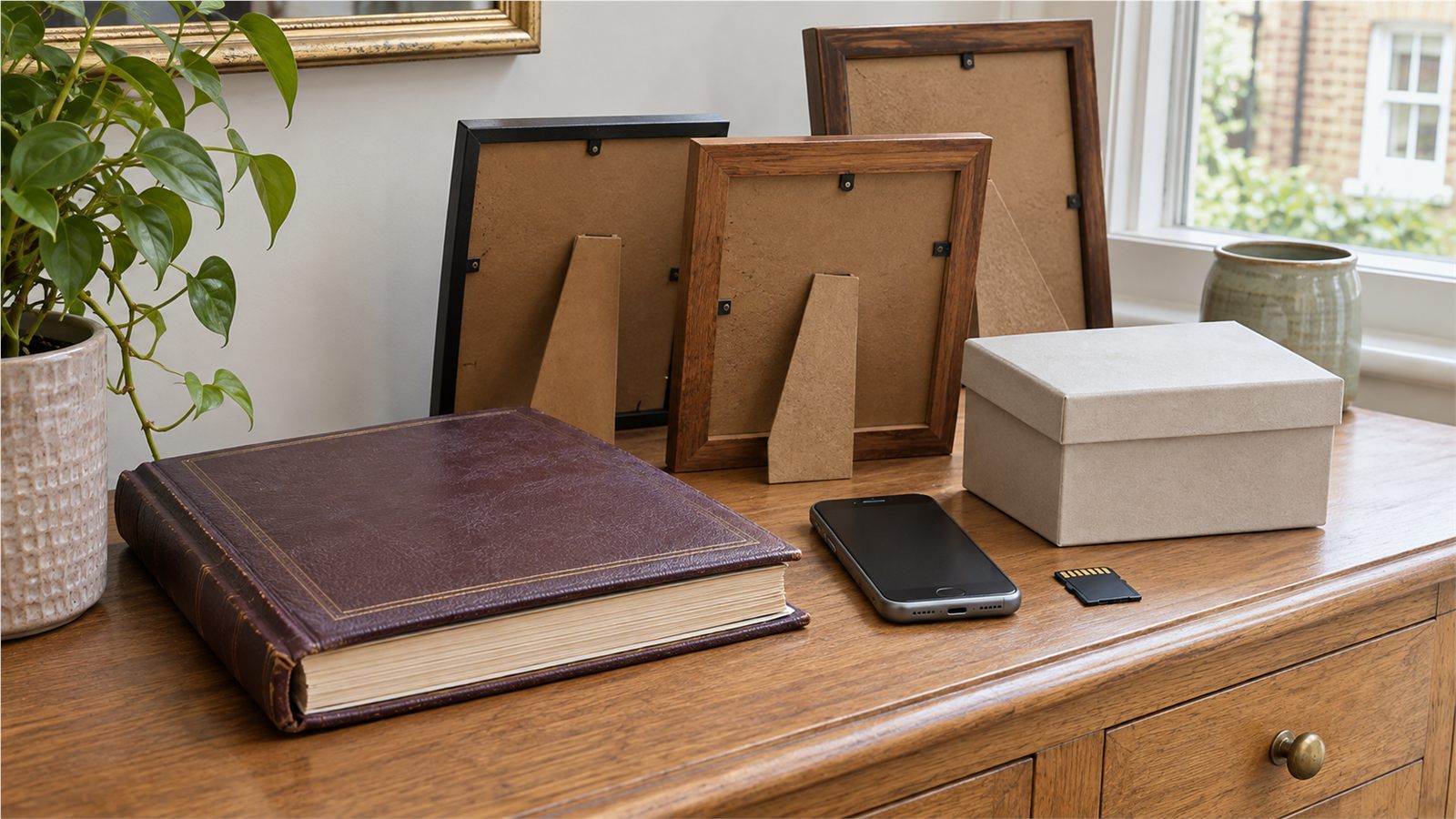
Family photographs are rarely kept in one perfect archive. Some sit in albums, others are loose in drawers, and newer images may live on a phone that no longer turns on. During a house clearance, these items can be overlooked because they are small compared with furniture. Once the room is emptied, finding a missing memory card or box of prints may be impossible.
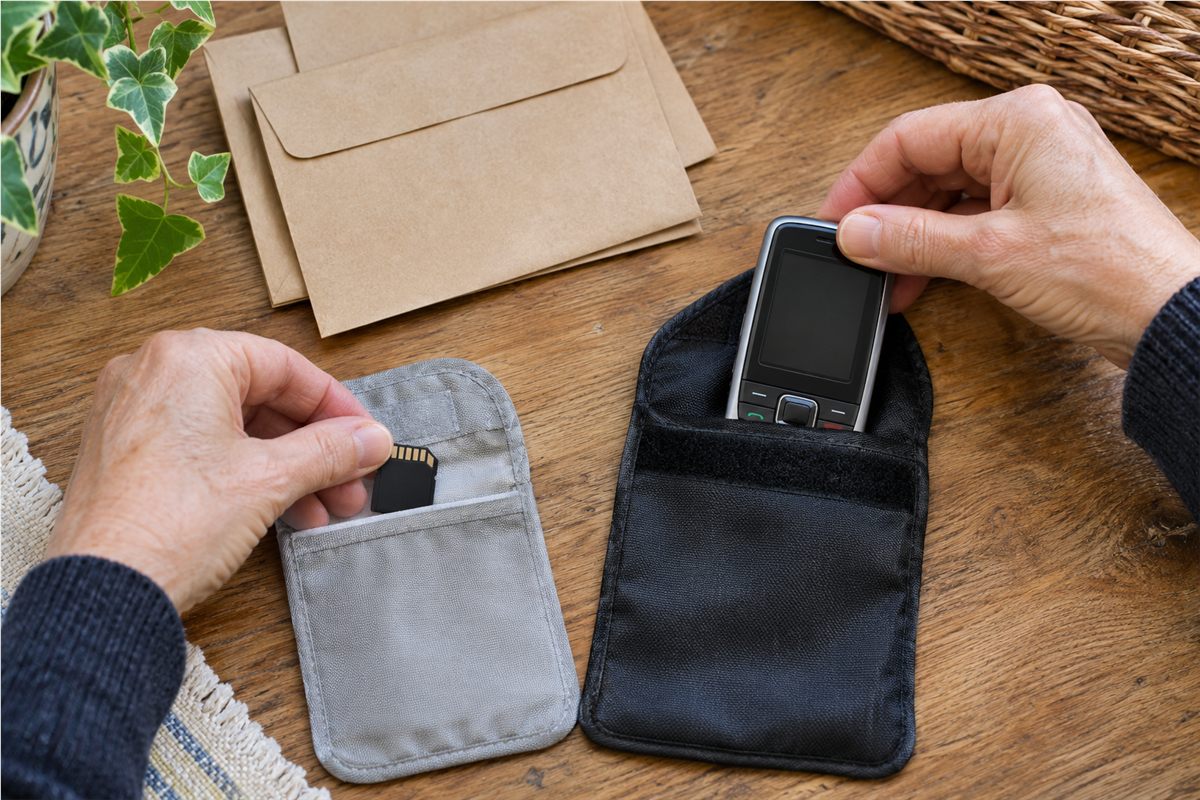
The solution is a separate search and review process before the disposal selection is final. It need not turn the clearance into a months-long cataloguing project. It should identify the likely places, protect the originals, let the right people review them and prevent devices with personal data from entering a general waste load unnoticed.
Search by storage habit, not just by room
Think about how the household used photographs. Albums may be on a shelf, but loose prints might be inside envelopes, shoeboxes, handbags or the backs of picture frames. Check drawers where camera equipment was kept. Look for small labelled cards, discs and USB drives near computers or televisions. A memory card can be no bigger than a fingernail and easily fall into a bag of ordinary clutter.
Make a first pass through each room before moving boxes. Put photographs and possible storage media into a clearly labelled holding area. Do not open every digital file immediately; the initial aim is to keep the physical object safe. If several people are sorting, tell everyone which containers are reserved and what counts as a possible photo carrier.
Photograph the location of a group before removing it if context matters. A set of albums found together may relate to one family member or period. The order of loose prints can also hold clues. Put a note with the group so a later reviewer knows where it came from.
Distinguish originals, copies and carriers
A printed photograph is an object in its own right. A CD, card or phone is a carrier whose contents may be unknown until someone accesses it. Keep these groups separate. Do not assume that a disc labelled “backup” contains a complete copy of the photographs on a computer; it may be old, partial or unreadable.
For physical albums, avoid pulling stuck prints apart or removing pages in a hurry. If an album appears damp or fragile, set it aside for careful handling. For loose photos, use clean envelopes or folders and write a broad description on the container rather than the photograph itself. A label such as “hallway drawer, family holiday prints” helps relatives review the group later.
For digital media, record the device type and any visible label. You might have “two SD cards in camera bag”, “one external hard drive under desk” and “three unlabelled USB sticks”. Do not erase or donate any of them simply because the outer case looks obsolete. The contents may be the only surviving copy of a family event.
Give relatives a manageable review method
Ask who needs to see the material and what decisions they must make. Perhaps one person knows the people in old photographs, while another wants to keep particular albums. Send a small group of labelled overview images through a private channel rather than dumping hundreds of scans into a shared chat. Keep the originals at the property or with a named custodian until the decision is recorded.
Use a simple status list: keep original, scan before decision, offer to a named person, or pending. Avoid a vague “sort later” pile without an owner or date. If two relatives both want an album, decide whether it can be scanned or whether one person will hold the original and share copies. The clearance itself need not solve every family question, but it should not destroy the only object before the question is asked.
Do not share photographs containing private documents, children or other sensitive details more widely than needed. A public online album may be easy to make, but it changes who can see the contents. Use a controlled channel and invite only the reviewers who need access.
Create a basic finding aid
For a larger collection, number containers: `P01` for the first album box, `D01` for the first digital-media box. Make a one-line record of each: location found, broad contents and custodian. This does not require identifying every face or date. It means someone can later find “the small blue album from the bedroom” without reopening every carton.
Keep the number on the container and in the list. If an item is temporarily taken away for scanning, record who has it. A valuable family photograph can be lost through ordinary confusion as easily as through a disposal mistake.
Treat old devices as information stores
Phones, tablets, laptops, cameras, games consoles and external drives may hold personal photographs and other private data. The Information Commissioner’s Office guidance explains that personal data can be stored on many kinds of device and removable media. It also cautions that a device that no longer switches on may still contain accessible information. A broken screen is not proof that the storage is empty.
If the contents might matter, decide whether they need to be recovered or copied before disposal. Avoid trying random passwords or taking apart equipment that belongs to someone else. Ask the owner or an authorised person. For a malfunctioning drive, a reputable specialist may be needed, particularly when the photographs have no known backup.
When the decision is to dispose of a device, deal with the data separately from the physical object. The ICO describes options including secure deletion software, manufacturer reset and specialist help, with important limits for each. A simple reformat may not securely remove data. Choose a method appropriate to the device and the sensitivity of its contents, then use a legitimate electrical recycling route for the hardware.
Avoid assuming the cloud has every copy
Some households used online backup, others used it only occasionally, and some accounts are no longer accessible. Do not dispose of a phone or drive because someone says “it will all be in the cloud” without checking. Look at the dates and coverage of any accessible backup. A newer service may have missed years of older photographs stored on a laptop.
Likewise, do not assume a printed album is expendable because photographs were once scanned. The scan may be low resolution, missing pages or held in an account nobody can access. If the original has notes on the back or a particular order, it carries information beyond the image itself. Decide what to retain only after comparing the versions that actually exist.
Keep a record of where digital copies are stored and who can access them. A folder named “old photos” on one person’s computer is better than nothing, but a shared family archive needs a more reliable custodian and backup plan. That is an ongoing family decision, separate from the rubbish collection.
Mark the physical clearance boundary
Once the photograph and media review is complete, keep the retained containers well away from the removal pile. Give anyone helping a clear rule: albums, cameras, discs and storage devices are not to be loaded unless their exact inventory entry has been approved. If an unfamiliar memory card turns up during packing, add it to the holding area rather than guessing its contents.
For the remaining unwanted contents, the house clearance service can discuss the physical removal. Do not expect a general collection team to identify or erase data on devices. Tell the provider which electrical items are in the approved load and keep unreviewed media out of it. This makes the collection scope honest without disclosing private family photographs.
Make preservation a short, deliberate stage
The practical order is simple: search likely hiding places, set aside possible photo carriers, record their origin, let the appropriate people decide and address device data before any disposal. Not every image must be scanned before a property can be cleared. The irreplaceable part is keeping originals and unknown storage media from being swept away while the decisions are still open.
A small labelled box and a shared list can protect years of family history. Once the sensitive items are safe, the rest of the clearance becomes easier to define. The team removing furniture and rubbish can work from an agreed list, while the family handles its photographs and data at the pace those items deserve.