
LONDON CLEARANCE SERVICES
IT Disposal in London
We collect unwanted IT equipment from London homes and workplaces. Computers, monitors, laptops, printers and peripherals are identified before the visit, with data requirements discussed separately from the physical carrying and transport.
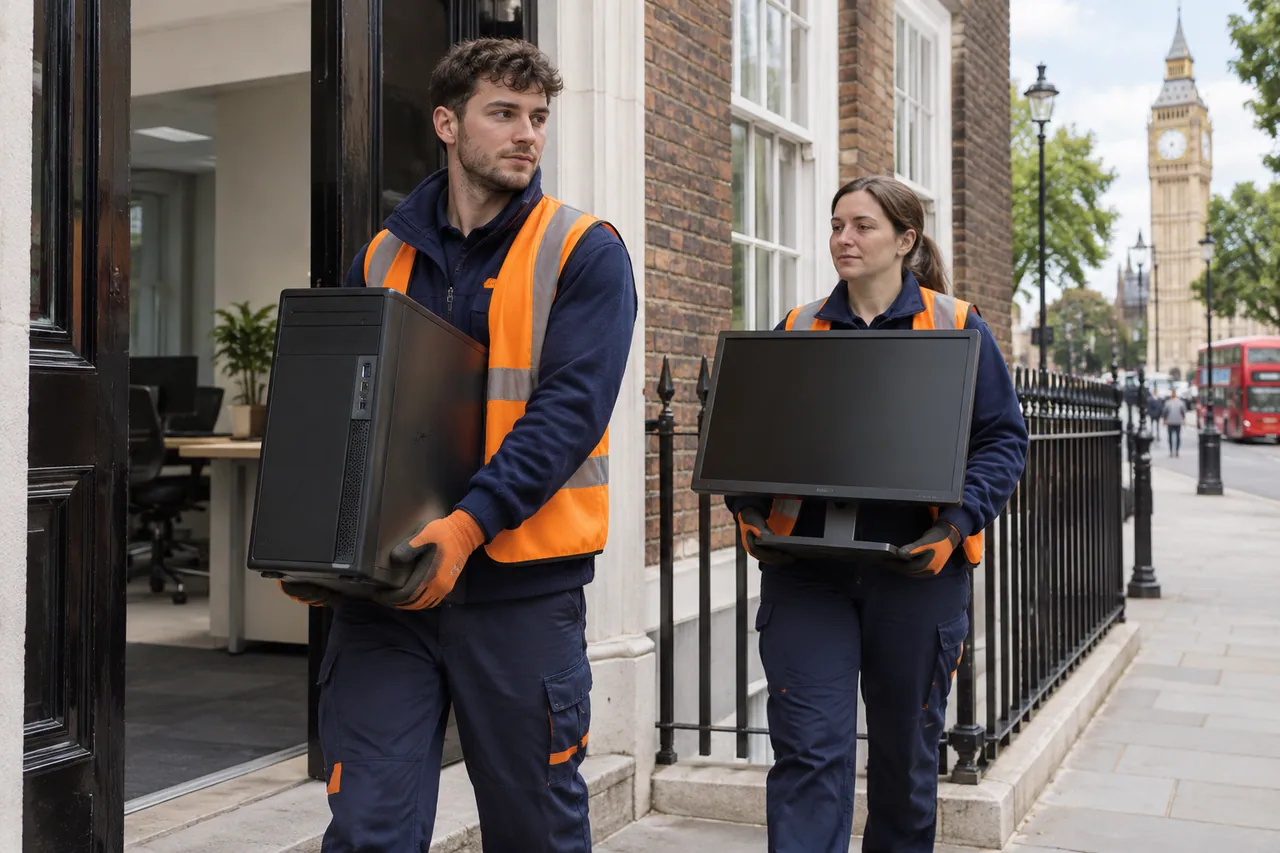
Equipment identified in your collection
We group the devices by type and record approximate quantities. This helps explain the load and the relevant treatment questions. Photographs show the physical size and condition of the equipment, while the inventory identifies what may not be obvious from a stack of boxes. Accessories, power supplies and loose components should be described as part of the agreed load rather than assumed from the main computer count.
| Equipment group | Examples | Collection detail |
|---|---|---|
| Desktop systems | Computer towers and agreed servers | Quantity, size and whether data-bearing storage is present. |
| Portable computers | Laptops and similar devices | Count and any required data or battery discussion. |
| Displays | Computer monitors | Quantity, screen type where known and physical size. |
| Printing equipment | Printers, scanners and fax machines | Device dimensions, weight concerns and separate consumables. |
| Peripherals | Keyboards, mice and computer accessories | Approximate quantities and how they are presented. |
| Mixed office equipment | Other unwanted IT-related devices | Identification and acceptance discussed before inclusion. |
Collection of retired computers and office equipment
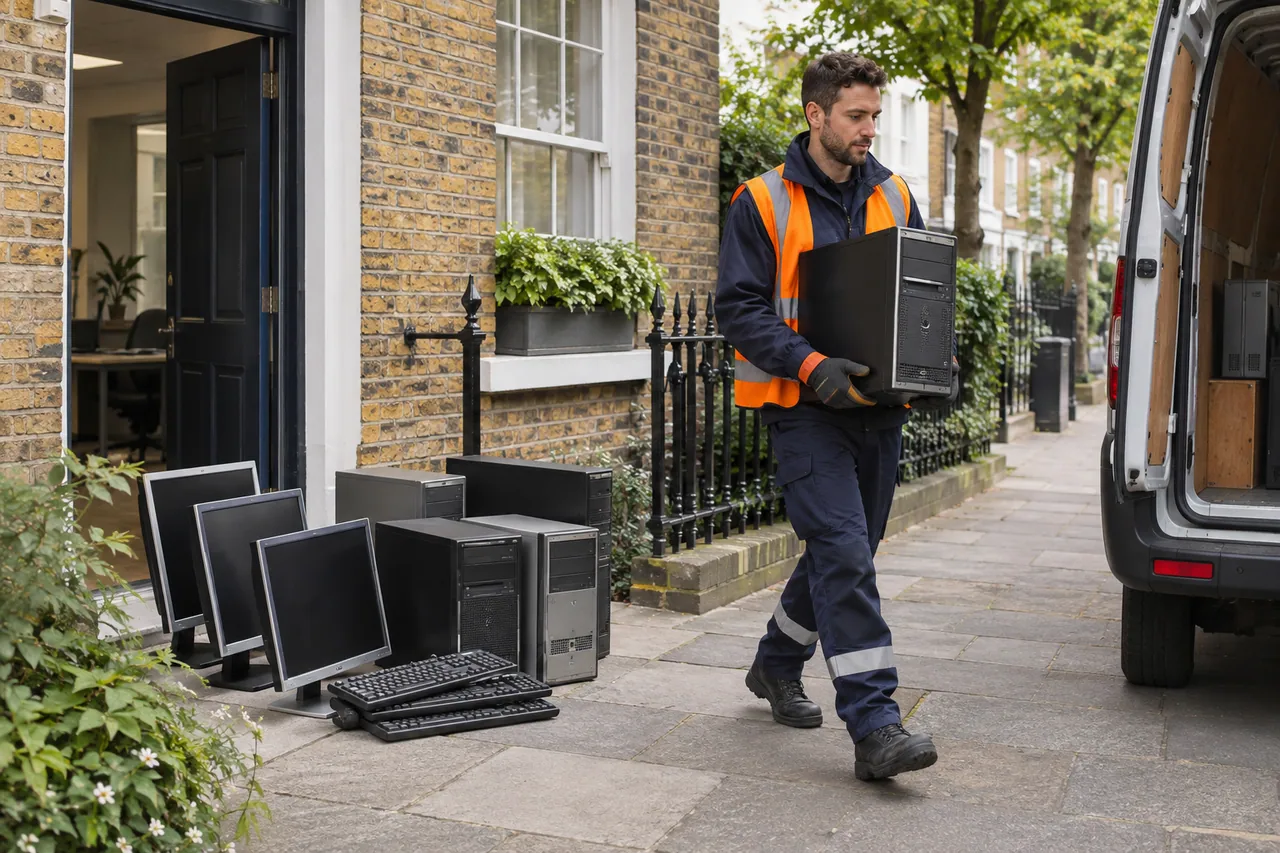
Rubbish Begone provides IT disposal for outdated, unwanted or non-functioning equipment. Our service includes desktop computers, servers, laptops, monitors, keyboards, mice, printers, scanners and fax machines. We discuss the particular devices and quantity before arranging removal. A single printer and a room of workstations represent different loads, so the inventory is more useful than a general description of electronic rubbish.
The collection covers the accepted equipment at the agreed address. We establish where it is stored, how it can be carried to the vehicle and which devices require specific attention. Office furniture can be discussed alongside the IT load, but the categories remain distinct. A computer collection is not automatically a full office clearance, and desks or filing cabinets need identifying if they are also leaving.
Data requirements are part of the agreement
Data destruction and hard-drive handling can be discussed as part of our IT disposal service. For your collection, the exact requirement still needs to be stated and confirmed with the team. Identify the devices that contain information and explain the treatment you need. Physical removal of a computer is not, by itself, evidence that a particular erasure method, destruction process or certificate has been delivered.
The agreed data treatment should specify the method and any documentation required for the devices being collected. If your organisation requires serial-number reporting, a specific destruction method or evidence for an internal policy, raise that before the collection is agreed. The available arrangement and documentation need explicit confirmation, so the disposal scope matches the business requirement rather than a general security phrase.
How the IT collection is arranged
The enquiry combines the location, equipment inventory and access details. We discuss the collection scope, any data questions, the price and an available visit. Equipment in use, connected systems and installed devices need describing in their current state. The service should not be mistaken for an automatic IT decommissioning contract simply because the equipment is due for disposal.

Identify the equipment
List device types and quantities, distinguishing data-bearing computers from monitors, printers and peripherals.

Clarify the requirements
We discuss access, physical handling and any required data treatment or documentation before agreement.

Arrange the collection
The team establishes the accepted equipment, quote and visit arrangements for the specified location.

Collect and transport
We carry and load the agreed devices for appropriate onward handling of electrical and electronic equipment.
Access and handling for bulky equipment
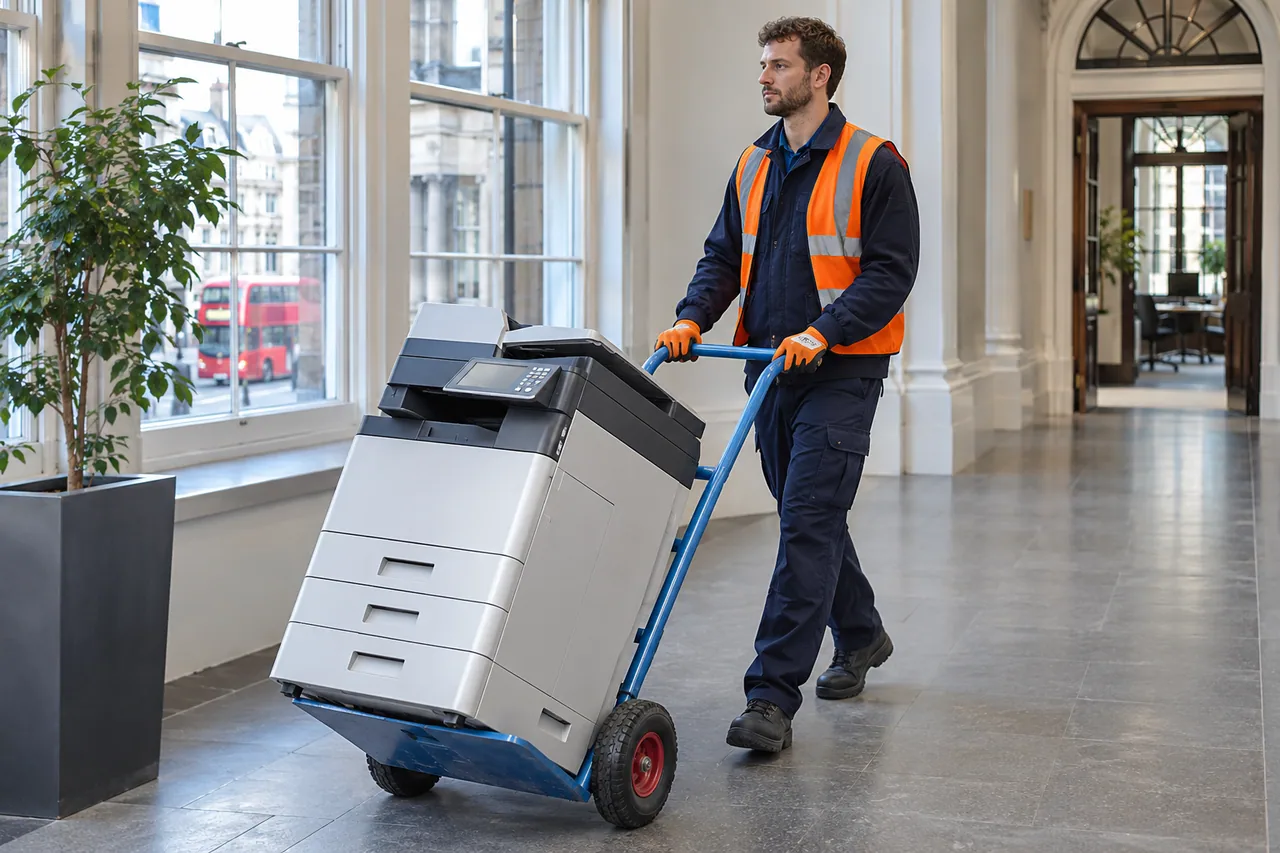
Printers and larger computer equipment can be awkward even where the total number of devices is small. We discuss the room, floor and route to the vehicle. A goods lift, shared corridor or basement store may change the carrying task. The relevant dimensions are those of the equipment and usable route, not just whether a building has lift access in general.
| Site detail | Information discussed | Collection relevance |
|---|---|---|
| Equipment location | Room, floor and separate storage areas | Defines where the carrying work begins. |
| Large devices | Printer dimensions and heavy equipment | Helps clarify the practical movement required. |
| Building route | Lift, stairs, doors and restricted areas | Establishes access for the actual equipment. |
| Loading point | Vehicle position and permitted times | Connects the internal route with transport loading. |
Connected devices and separate components
Tell us whether the equipment is already out of service and ready for collection. Network disconnection, removal from racks and technical work on installed equipment should not be assumed from a disposal enquiry. The team needs to understand the state of the devices and clarify any task beyond carrying and loading. That avoids confusing equipment collection with a wider IT migration or system shutdown.
Loose accessories and consumables also need identifying. A printer may be accompanied by separate cartridges, while a laptop collection can include chargers or damaged batteries. Explain unusual components or visible damage before the visit so acceptance and handling can be discussed. We do not treat an unidentified box of electronic parts as equivalent to a count of intact desktop computers.
Onward handling of electronic waste
We arrange removal and appropriate onward handling for the accepted electrical equipment, with recycling pursued where suitable. Computers and peripherals contain different materials and components from ordinary office furniture. Identifying them separately helps describe the disposal arrangement without claiming that every device follows one identical recycling process or that a particular quantity of material will be recovered.
| Equipment stream | What is identified | Scope to confirm |
|---|---|---|
| Computers and laptops | Devices and data-bearing storage | Required data treatment and any evidence agreed with the team. |
| Monitors and peripherals | Equipment types and approximate counts | Accepted physical collection and onward handling. |
| Printers and scanners | Size, condition and separate consumables | Any component or handling question before the visit. |
| Damaged or unusual items | Description of damage or unknown parts | Suitability and acceptance rather than automatic inclusion. |
For a mixed equipment store, the enquiry can distinguish devices approved for removal from spares and systems still awaiting a decision. Serial numbers can be used in your own item list to identify those boundaries where needed; tell the team if recording individual devices is part of the requested arrangement. A photograph of identical computers does not show which machines the business has authorised for disposal. The agreed inventory should make that selection clear before physical collection begins.
Quoting for your IT disposal
The quote considers the types and amount of equipment together with carrying and loading. The team explains the price against the items and access described for your collection. A small office printer, a heavy multifunction unit and several desktop towers each present different collection details. Data treatment requirements may also need a specific discussion rather than being hidden within a general physical-removal price.
If your inventory changes before collection, tell the team. Additional devices, unexpected heavy units or a changed storage location can affect the work. The agreed scope should make clear which equipment is leaving and which treatment questions have been resolved. Retained systems and devices awaiting a decision remain outside the load unless they are added to that agreement.
| Quote factor | Information provided | Purpose |
|---|---|---|
| Inventory | Device types, quantities and pictures | Establishes the physical load. |
| Access | Floors, lift, stairs and loading distance | Defines carrying and vehicle loading work. |
| Device state | Connected, loose, damaged or installed | Identifies requirements beyond straightforward removal. |
| Data requirements | Treatment and documentation requested | Allows the exact available arrangement to be confirmed. |
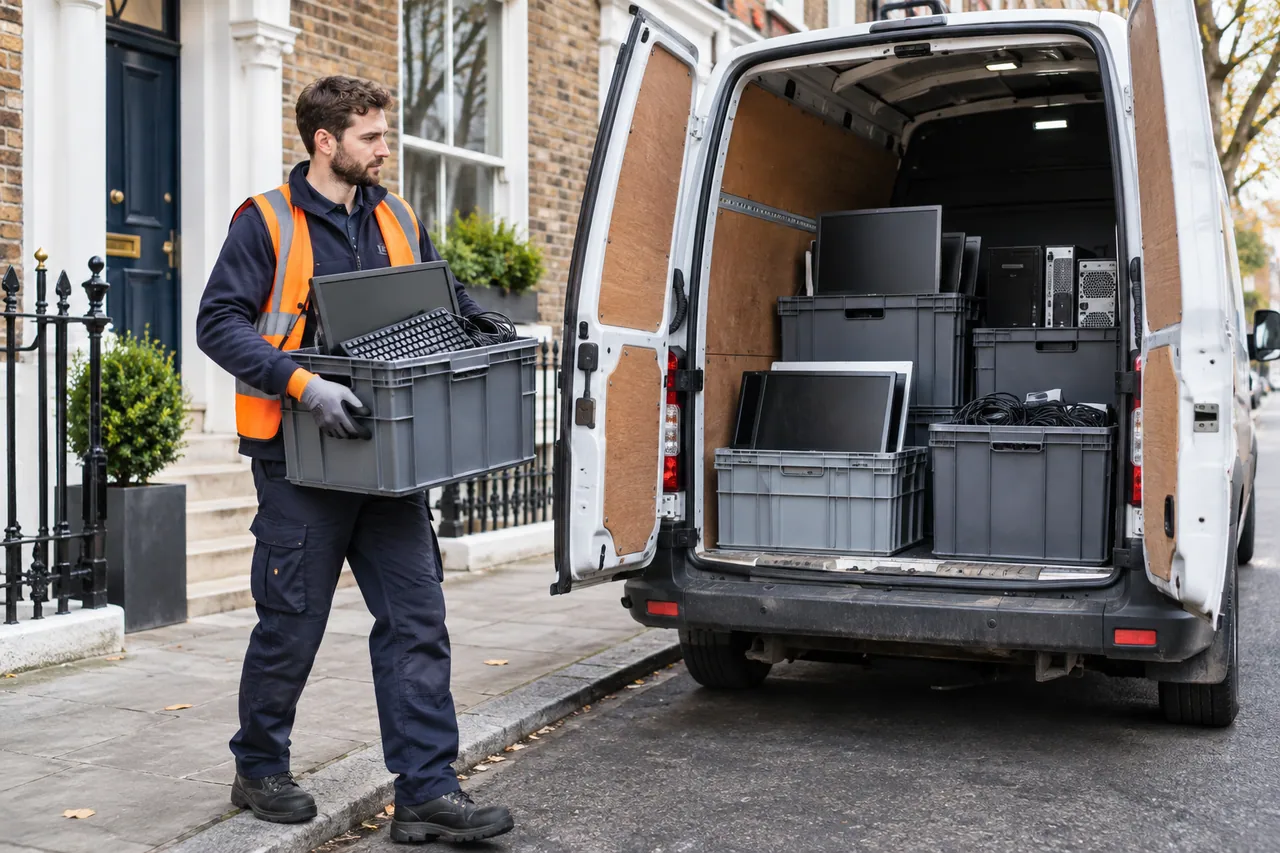
IT Disposal: collection and loading
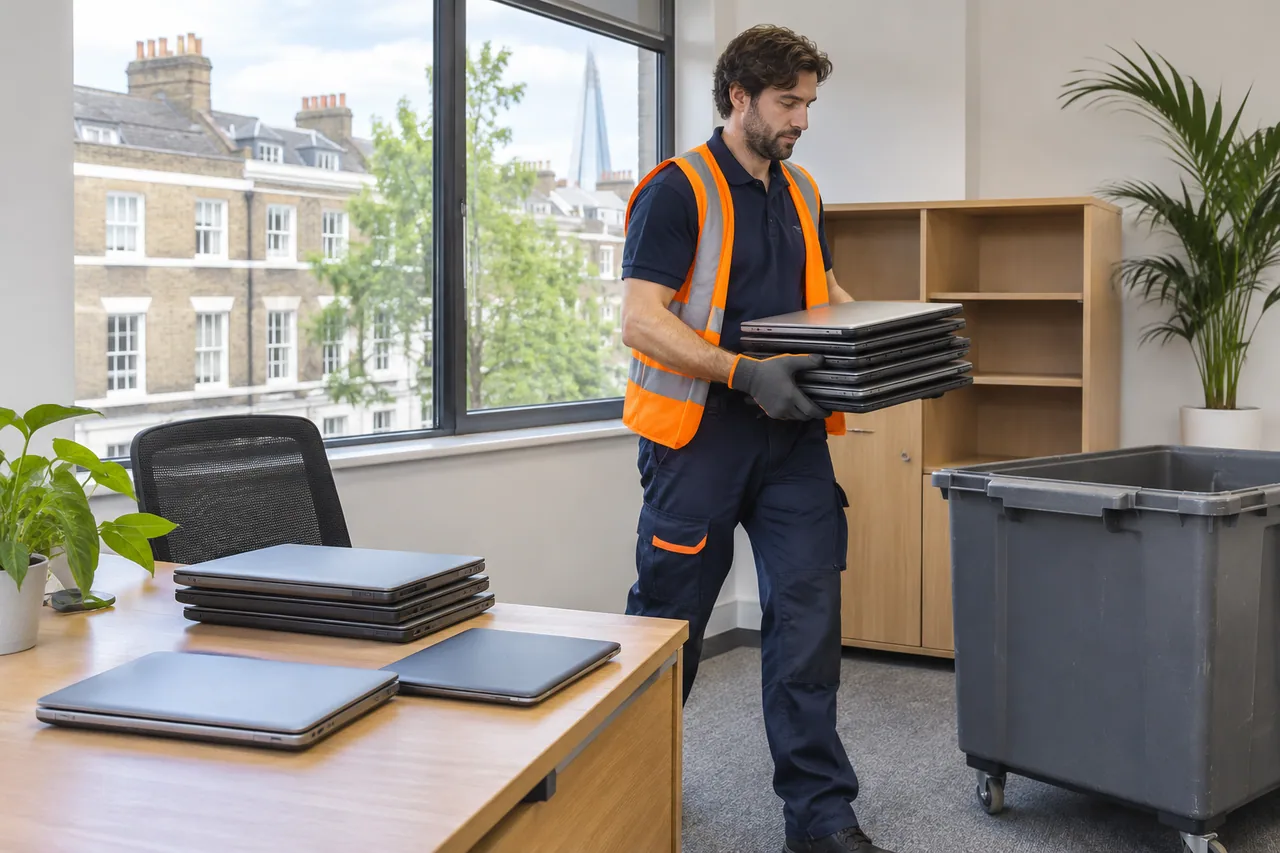
Collecting from an equipment storage area

IT disposal questions
Can you collect computers and monitors together?
Yes, our IT service includes computers and monitors. List them as separate device groups with quantities. Identify data-bearing computers and any required treatment so the discussion distinguishes storage devices from display equipment.
Do you collect one unwanted printer?
A single printer can be discussed. Provide its type, approximate size, floor location and route to the vehicle. Larger printing devices may need a different carrying discussion from compact desktop models, even where the item count is one.
Does collection itself prove that data has been destroyed?
No. Physical removal and the agreed data treatment are separate parts of the discussion. Explain the method or evidence you require, and have the team confirm the available arrangement before treating that requirement as part of the service.
Is a data destruction certificate guaranteed?
We do not promise an automatic certificate or a particular accreditation on this page. If documentation is essential, state the requirement before agreement. The team needs to confirm what can be provided for your equipment and treatment arrangement.
Will you disconnect our office network?
IT disposal concerns the collection of agreed equipment. Network shutdown, technical disconnection and decommissioning are not automatically included. Describe installed or connected devices so any additional work can be clarified before the visit.
Can desks be collected with our computers?
List the furniture alongside the equipment in your enquiry. The team can discuss the combined removal, with IT devices and furniture identified separately. A device inventory alone does not establish the amount or access requirements of office desks.
What information helps arrange an IT collection?
Provide the postcode, device types and counts, large-equipment dimensions, photographs and access details. Identify data-bearing devices, required treatment or documentation, and any damaged components. This lets the team discuss the actual physical and security requirements.
Arrange your collection
Tell us about your it disposal
Open our booking form to arrange your collection.
Continue to our booking form to confirm your items and contact details.